- Open the Main Menu, click "Player" under Roster.
- Find the upward pointing arrow next to the Player column header (first image below).
- Click on upward pointing arrow in the Player column to reverse it (make it point downwards...see second image below)
- Click on the downward pointing arrow to remove sorting on that column.
- Click on any column to sort on that column.
- Click on more than one column to set multiple-column sorting
Sorted by player last name in ascending order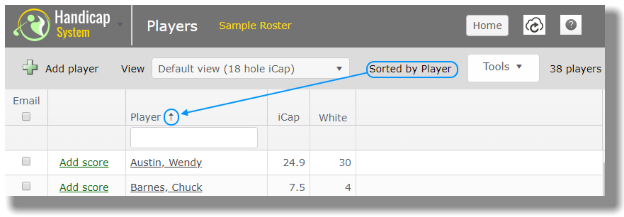
Sorted by player last name in descending order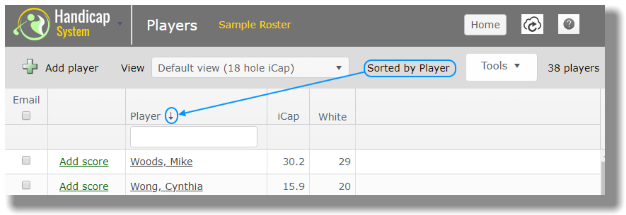
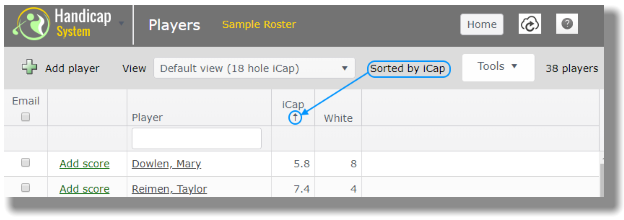
Sorted by iCap in ascending order